
5 Powerful Tips to Create Better AI Videos: The Ultimate Guide to Mastering AI Video Creation
Artificial intelligence has completely transformed the way digital content is produced. Today, you no longer need a studio, a professional camera, or a full editing team to create effective visual content. However, it’s important to be clear about one thing: using an AI tool alone doesn’t guarantee a great result. That’s exactly why understanding 5 tips to create better AI videos is so important for brands, creators, and businesses that want to stand out with high-quality visual content.
AI video creation offers a major advantage: speed. It allows you to turn an idea into an audiovisual piece in a fraction of the time compared to traditional production processes. However, when used without a clear strategy, the result can feel generic, impersonal, or disconnected from the audience. And that’s the key point. Technology helps—but the real value still lies in strategy, clarity of message, and the ability to create a coherent visual experience.
I’ve seen the same pattern many times: companies try AI tools expecting instant, almost magical results. When they don’t get a memorable video, they conclude that the technology “doesn’t work.” In reality, the issue is rarely the tool itself, but how the content is approached. An effective video needs intention, structure, and a clear understanding of what the viewer should feel, learn, or do after watching it.
That’s why, instead of focusing solely on automation, it’s essential to learn how to guide it properly. And that’s where these tips come in: five practical keys to ensure AI not only saves you time, but also helps you create videos that are stronger, more human, and far more impactful.
Define a Clear Script Before Starting AI Video Creation

One of the most common mistakes when working with artificial intelligence is jumping straight into video creation without first defining a clear script. Because the technology promises speed, many people assume they can start with a vague idea and figure things out “along the way.” In reality, the more precise your foundation is, the better the final result will be.
A good script doesn’t need to be complex—in fact, the clearer and more direct, the better. What really matters is that it answers three key questions: what you want to communicate, who you’re speaking to, and what action or reaction you expect from the viewer. If these elements aren’t defined from the start, the audiovisual piece will lack impact, no matter how visually appealing it may be.
AI video creation works especially well when the message is well structured. In practice, it helps to think of your content in three stages: opening, development, and closing. The opening should capture attention immediately; the development should deliver real value; and the closing should leave a clear takeaway, a call to action, or a memorable final message. It may sound simple, but it makes a huge difference.
A well-crafted script also allows you to better define the tone. Creating a video for fast-paced, visually driven social media is very different from producing content for a business presentation or an educational piece. One requires immediate impact; the other demands clarity and depth. When the script already reflects this, AI can work with much clearer direction.
In other words, before thinking about animations, voiceovers, or transitions, it’s essential to refine the message. That’s the foundation of a video that truly works.
Focus on High-Quality Prompts and Visual Briefing

If the script is the map, the prompt is the compass. And this is another area where many people fall short. When using AI tools, it’s not enough to simply ask, “create a video about this topic.” To achieve a compelling result, you need to specify the style, tone, pacing, audience, intention, and visual aesthetic.
An effective prompt usually includes details such as the video’s objective, target audience, the emotion you want to convey, and the desired format. It’s also extremely helpful to provide references: minimalist, corporate, inspirational, modern, dynamic, educational, approachable… All of this helps guide the content generation and reduces the risk of ending up with something generic.
The same applies to the visual briefing. If a brand has a defined identity, it should be reflected in colors, shot composition, music, on-screen text, and narrative rhythm. When these elements are not aligned, the video may look technically correct but feel inconsistent from a branding perspective—and that’s noticeable.
To make your briefing truly effective, it’s useful to define at least the following elements:
- video objective
- target audience profile
- tone of communication
- desired visual style
- approximate duration
- distribution platform
AI video creation improves significantly when the tool receives real context, not just isolated instructions. In fact, one of the main advantages of specialized platforms is precisely that: they allow for greater control over visual identity and content intent. In this sense, exploring solutions designed for marketing and digital content—such as those offered by Oopsify—can be very helpful in turning ideas into more coherent and professional pieces.
In short, AI doesn’t guess—it performs better the better you guide it.
Maintain a Dynamic Visual Pace Without Losing Clarity
An AI-generated video can look polished and still feel boring. Yes, it happens more often than you’d think. The issue is usually the pacing. When scenes last too long, text is too dense, or transitions between ideas don’t flow smoothly, viewers quickly lose interest—and in digital environments, that can happen within seconds.
Maintaining a dynamic visual pace doesn’t mean turning your video into a chaotic sequence of constant changes. It’s about carefully balancing variation to keep attention engaged. This is especially important for short-form content on social media. A video may have a great message, but if it takes too long to get started or feels visually repetitive from beginning to end, its impact drops significantly.
The key is to combine variety with coherence. Alternating visual elements, introducing different shot types, using concise on-screen text, or varying motion can make a big difference. At the same time, everything needs to follow a clear logic. If each scene feels like it belongs to a different video, the overall piece loses consistency.
A useful trick is to watch the video without sound. If it still makes sense visually, the pacing is likely well executed. If it feels flat or difficult to follow, the sequence probably needs improvement.
AI video creation makes it easy to test different versions, so it’s worth iterating. Sometimes, simply shortening the intro, speeding up a section, or simplifying the text can significantly improve the final result.
Adapt Your Content to the Platform and the Video’s Goal
This point may seem obvious, but it’s often overlooked. Not all videos work everywhere. What performs well on a landing page may fail on TikTok, and what engages users on Instagram might fall short in a business presentation. That’s why, before creating the piece, it’s essential to decide where it will live and what its purpose is.
When the objective is clear, everything falls into place. If your goal is visibility, the video should be fast, recognizable, and easy to share. If you want to explain a product, a more structured and educational approach is needed. If the aim is conversion, then the focus should be on clear benefits, addressing objections, and including a strong call to action.
Here, AI can be a powerful ally, as it allows you to repurpose the same idea across different formats. A long-form video can be turned into short clips, a demo can be adapted into multiple versions, and an explanatory piece can be condensed for social media. This flexibility is one of the most valuable advantages of these tools.
Adapting content properly also helps avoid a common issue: feeling out of place. A video that’s too dense for social media often loses retention, while one that’s too superficial for a commercial website may lack impact. When the content fits the context, the message becomes much more effective.
Industry trends continue to support this approach. According to insights and reports published by HubSpot, video remains one of the most effective formats for capturing attention, increasing engagement, and improving overall marketing performance. But achieving those results requires more than just “having video”—it requires having the right video on the right platform.
In short, technology allows you to produce more. Strategy determines whether it actually works.
Review, Refine, and Humanize the Final Result
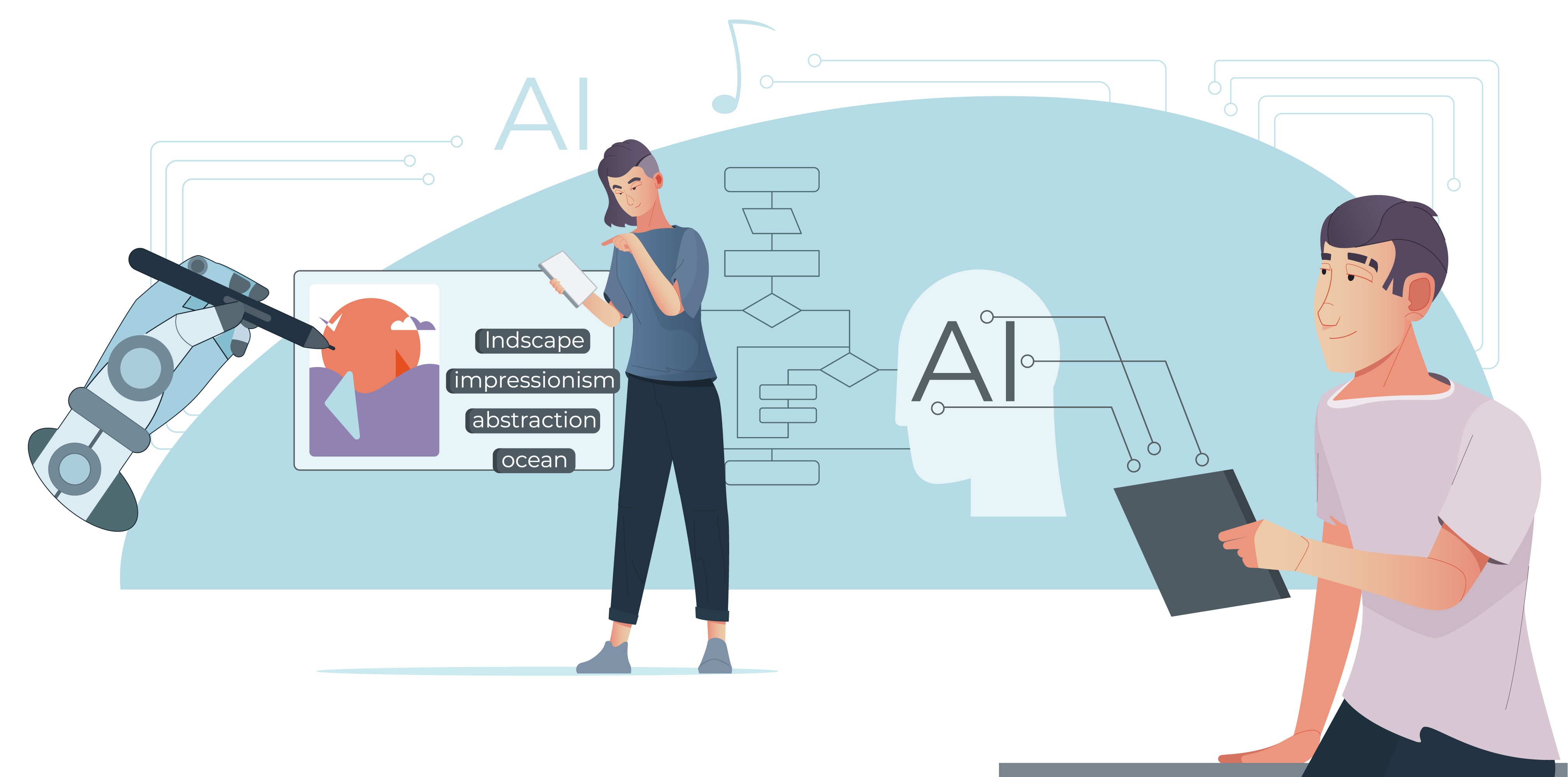
Here’s the final tip—and probably one of the most important: never publish the first version without reviewing it. Automation can speed up the process significantly, but human oversight is still essential. A subtle issue in the voiceover, an unnatural phrase, a slightly off visual, or an awkward transition can quickly reduce the credibility of the video.
Reviewing isn’t just about fixing technical errors. It’s also about asking whether the video feels natural, easy to understand, and capable of conveying something beyond a sequence of automated visuals. AI can sometimes produce clean but overly impersonal content. That’s where the human touch makes the difference: refining the text, adjusting the tone, replacing a scene, or smoothing out the ending.
AI video creation delivers better results when it’s treated as a starting point rather than a final, untouchable product. In fact, the best videos created with these tools tend to have one thing in common: clear intention behind them. You can tell that someone has reviewed the message, fine-tuned the pacing, and considered how the audience will experience it.
A solid review process can include elements such as audio clarity, visual consistency, duration, text readability, platform suitability, and the effectiveness of the call to action. It doesn’t need to be overly complex—but it does require a critical eye.
And honestly, this is what separates a video that simply “gets the job done” from one that truly represents a brand. AI speeds things up, but the final quality still depends on the care taken in the finishing touches.
Frequently Asked Questions About AI Video Creation
- Is AI video creation suitable for any type of business?
Yes, as long as the content is adapted to the goal and the target audience. It can be useful for e-commerce, services, training, corporate communication, or social media.
- Do you need editing skills to use AI tools?
Not necessarily. Many platforms are designed for users without technical experience, although having a good visual sense will always help achieve better results.
- Can an AI-generated video look professional?
Yes. With proper planning, a well-defined prompt, and a careful final review, the result can be highly polished and perfectly suitable for professional use.
- What are the most common mistakes when creating AI videos?
The most common ones include using vague prompts, not adapting the content to the platform, overloading the video with too much text, and publishing without reviewing the final result.
- How long should an AI-generated video be?
It depends on the platform and the objective. Short videos tend to perform better on social media, while longer formats can be more effective for websites or business presentations.
- Will AI replace human creativity in video production?
No. AI accelerates processes and expands possibilities, but strategy, storytelling sensitivity, and the ability to connect with an audience remain deeply human skills.
Summary
Artificial intelligence has opened a new and exciting chapter in audiovisual production. Creating videos today is more accessible, faster, and more scalable than ever before. But that doesn’t mean anything goes. If there’s one thing experience shows, it’s that technology works best when it’s guided with intention.
Understanding 5 tips to create better AI videos allows you to move from a basic use of tools to a much more strategic approach. A clear script, a well-crafted prompt, thoughtful visual pacing, proper adaptation to each platform, and a careful final review are all factors that make a significant difference.
AI video creation is not just about automation. It’s about combining speed with intention, efficiency with storytelling, and technology with brand sensitivity. When that balance is achieved, the results are not only more visually appealing—they are also more useful, more memorable, and far more effective.
If you’d like, I can also create image prompts for this article with a more human and less graphic-focused approach, similar to what we did before.
← All posts