
Text to Video AI: How to Turn Ideas into Videos in Minutes
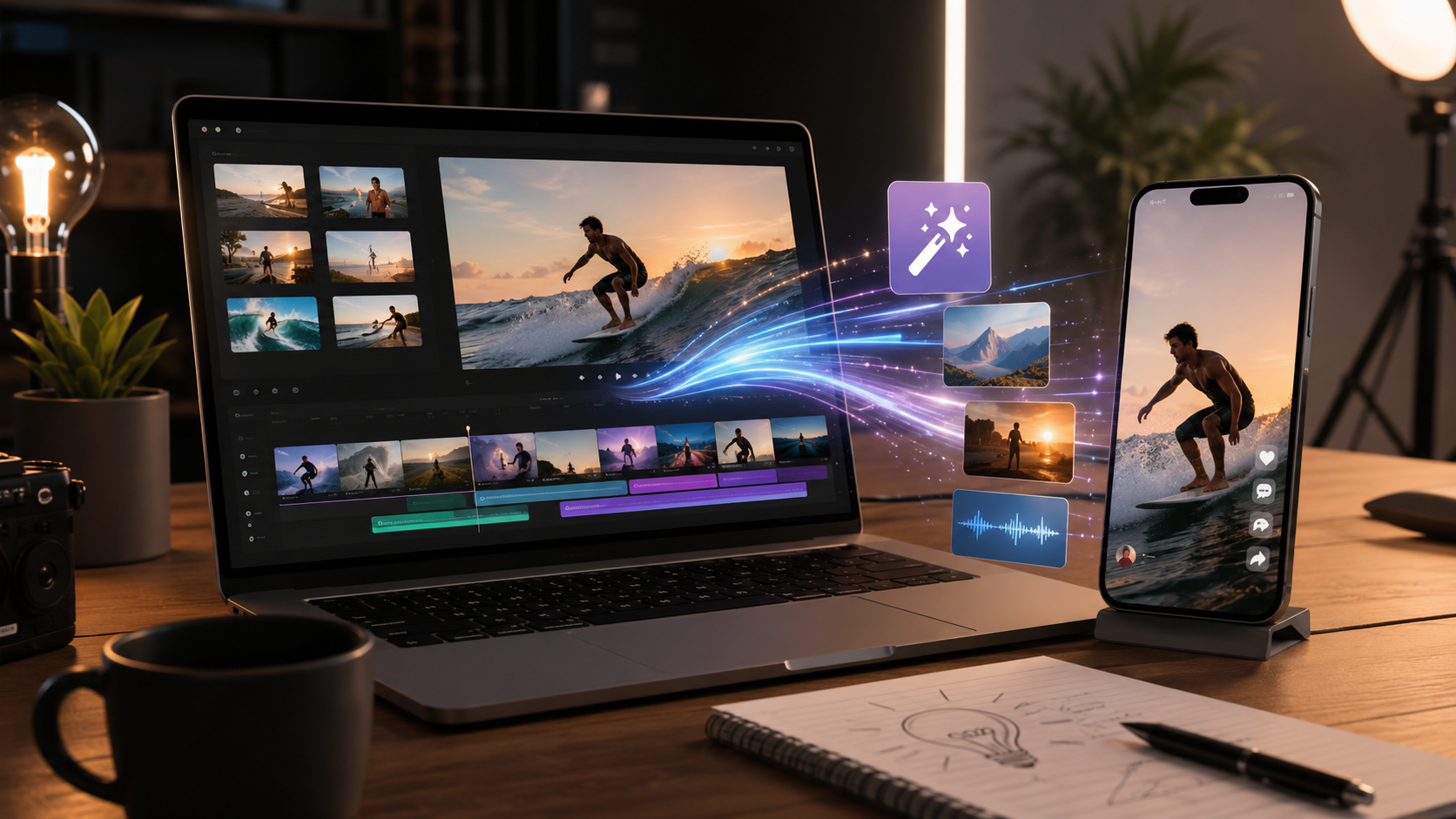
Creating videos used to require cameras, scripts, editing software, production time, and technical skills. Today, text to video AI is changing that process completely. With the right idea and a simple prompt, anyone can generate engaging video content in minutes, whether it is for social media, marketing, product promotion, storytelling, or personal projects.
Instead of starting from complicated editing tools, users can now begin with a sentence. A short description, a visual concept, or a creative direction can be transformed into a dynamic video using artificial intelligence. This makes video creation faster, more accessible, and easier to scale.
In this article, we explain what text to video AI is, how it works, why it is becoming so popular, and how you can use it to turn ideas into polished videos without needing professional editing experience.
What Is Text to Video AI?
Text to video AI is a technology that allows users to create videos by writing a text prompt. Instead of manually recording footage or editing clips, the user describes what they want to see, and the AI generates a video based on that instruction.
For example, a user could write:
“Create a cinematic video of a product floating in a futuristic studio with soft lighting and smooth camera movement.”
The AI then interprets the prompt and generates a video that follows the description. Depending on the tool, users may also be able to upload images, select styles, add effects, choose themes, or adjust the final result.
This technology is especially useful for creators, brands, e-commerce businesses, marketers, and anyone who needs frequent video content but does not want to rely on traditional production methods.
Why Text to Video AI Is Becoming So Popular
Video is one of the most powerful formats online. It captures attention quickly, explains ideas visually, and performs well across platforms such as Instagram, TikTok, YouTube, websites, and online stores.
However, creating video content consistently can be difficult. Traditional production often involves planning, filming, lighting, editing, music, transitions, and post-production. For many businesses and creators, this process can be expensive and time-consuming.
Text to video AI solves many of these challenges by making video creation faster and more flexible. Instead of waiting days or weeks for a finished video, users can generate creative content in just a few minutes.
This is one of the main reasons why AI video tools are becoming essential for modern content creation.
How Text to Video AI Works
Although the technology behind AI video generation is advanced, the user experience is usually simple. Most text to video AI tools follow a similar process.
First, the user writes a prompt describing the video they want to create. This prompt may include the subject, setting, style, mood, camera movement, lighting, and desired atmosphere.
Then, the AI analyzes the text and converts it into a visual sequence. It uses trained models to understand the relationship between words, images, motion, and style.
In many tools, users can also upload a photo or reference image. This helps the AI understand the subject more clearly and generate a video that feels more personalized and visually consistent.
Finally, the user receives a generated video that can be downloaded, edited, shared, or used as part of a larger campaign.
Benefits of Using Text to Video AI
1. Faster Video Creation
One of the biggest advantages of text to video AI is speed. A video that once required hours of editing can now be generated in minutes.
This is ideal for brands and creators who need to publish regularly. Instead of producing one video at a time through a long process, AI allows users to test different creative ideas quickly.
For example, a marketer can create several versions of a product video with different styles, angles, or moods and choose the one that performs best.
2. No Advanced Editing Skills Required
Not everyone knows how to use professional video editing software. Text to video AI removes that barrier.
Users do not need to understand timelines, transitions, effects, color correction, or animation. They only need to explain what they want. The AI handles the creative execution.
This makes video creation more accessible for small businesses, solo creators, entrepreneurs, and social media teams that do not have a large production budget.
3. More Creative Freedom
AI video tools make it easier to explore ideas that would be difficult or expensive to produce in real life.
You can create futuristic scenes, cinematic product shots, animated concepts, surreal environments, emotional storytelling moments, or eye-catching social media visuals without needing a physical set.
This opens the door to more creative experimentation. Instead of being limited by equipment, locations, or filming conditions, users can focus on the idea itself.
4. Lower Production Costs
Traditional video production can involve photographers, videographers, editors, actors, locations, props, and equipment. For many businesses, this makes frequent video creation unrealistic.
Text to video AI reduces the need for expensive production resources. While professional video teams are still valuable for complex campaigns, AI is a practical solution for everyday content, quick concepts, social media assets, product highlights, and promotional visuals.
5. Better Content Scalability
Brands often need different versions of the same idea for different platforms. A video for TikTok may need a different format than a video for a website, product page, or Instagram Reel.
With AI, it becomes easier to create multiple variations of a video. Users can adjust prompts, change visual styles, test different creative angles, and produce content for several channels faster.
This scalability is especially useful for e-commerce, social media marketing, product launches, seasonal campaigns, and content calendars.
How to Turn an Idea into a Video with AI
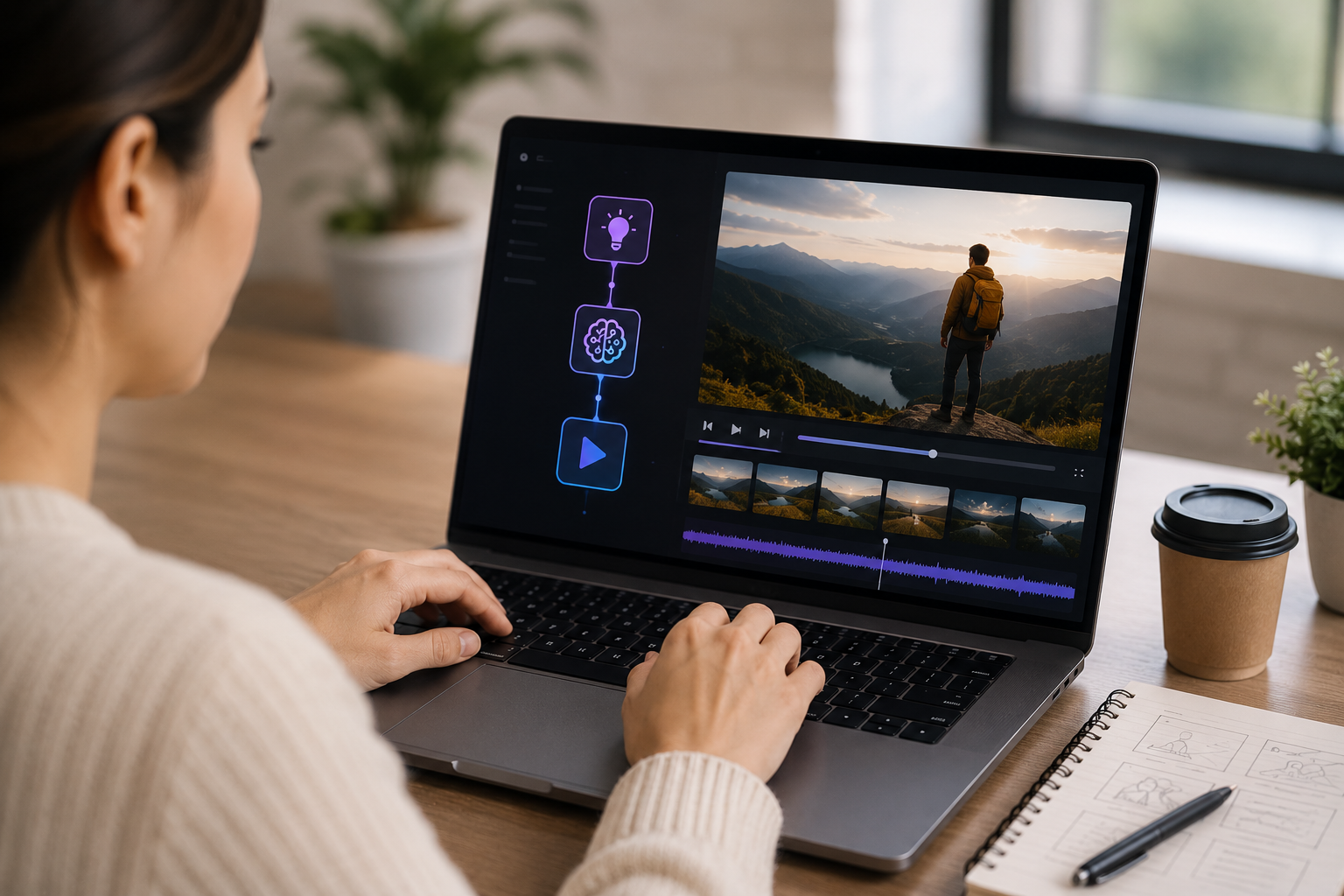
Creating a good AI video starts with a clear idea. The more specific your direction is, the better the result will usually be.
Here is a simple process to follow.
Step 1: Define the Purpose of the Video
Before writing your prompt, decide what the video should achieve.
Do you want to promote a product? Explain a concept? Capture attention on social media? Tell a short story? Create a cinematic visual for a campaign?
The goal of the video will guide the style, structure, and tone of the prompt.
For example, a product video may need clean lighting, smooth camera movement, and a focus on details. A social media video may need stronger visual impact, faster movement, and a more eye-catching atmosphere.
Step 2: Write a Clear Prompt
The prompt is the foundation of text to video AI. A vague prompt may produce a generic result, while a detailed prompt gives the AI stronger creative direction.
A good prompt can include the main subject, the environment, the visual style, the mood, the camera movement, the lighting, and the intended platform.
For example:
“Create a cinematic close-up video of a skincare bottle on a marble surface, with soft natural light, slow camera movement, water reflections, and a premium beauty brand atmosphere.”
This prompt gives the AI a clear subject, setting, lighting style, movement, and mood.
Step 3: Add a Reference Image When Possible
If the tool allows it, uploading an image can improve the result. This is especially useful when creating videos from product photos, portraits, objects, or branded visuals.
A reference image helps the AI understand what should appear in the video. It can also help preserve the look of a specific product, person, or visual concept.
For product marketing, this is particularly valuable because the video needs to showcase the item clearly and attractively.
Step 4: Choose the Right Style
Different videos need different styles. A product ad may need a polished and commercial look. A travel video may need a cinematic and emotional style. A social media clip may need something bold, fast, and visually surprising.
Choosing the right style helps the video feel aligned with its purpose.
Some common styles include cinematic, realistic, minimalist, luxury, futuristic, lifestyle, dramatic, playful, and social media focused.
The style should always support the message. A luxury product, for example, may benefit from slow movement, elegant lighting, and a clean background. A viral social media idea may need more energy and visual contrast.
Step 5: Review, Adjust, and Regenerate
AI video creation is not only about generating one result. It is also about refining the idea.
Once the first version is generated, review it carefully. Ask yourself whether it matches the original idea, whether the subject is clear, whether the style feels right, whether the motion is natural, and whether it would capture attention online.
If the result is close but not perfect, adjust the prompt and generate another version. Small changes in the prompt can produce very different results.
Prompt Tips for Better Text to Video AI Results
The quality of the prompt has a major impact on the final video. Here are some tips to improve your results.
Be Specific
Instead of writing “create a product video,” describe the product, the background, the lighting, and the feeling you want to create.
A better prompt would be:
“Create a premium product video of a black smartwatch on a dark reflective surface, with soft blue lighting, slow rotating camera movement, and a futuristic technology atmosphere.”
Mention Camera Movement
Video is not just about the image. Motion matters.
Including camera movement can make the result feel more professional. You can use directions such as slow zoom in, smooth pan, rotating shot, close-up movement, cinematic tracking shot, or floating camera movement.
These details help the AI generate a more dynamic video.
Define the Mood
Mood gives personality to the video. Words like elegant, energetic, dreamy, dramatic, playful, natural, futuristic, or emotional can guide the AI toward a more accurate creative direction.
For example, a video described as “soft, natural, and calming” will feel very different from one described as “bold, fast, and futuristic.”
Keep the Main Idea Focused
Trying to include too many elements in one prompt can make the result confusing. A strong AI video usually has one clear subject and one clear visual direction.
Focus on what matters most. If the video is about a product, keep the product as the hero. If it is about a concept, make sure the visual scene supports that idea.
Use Text to Video AI for Marketing
Text to video AI is especially valuable for marketing because it allows brands to create visual content quickly and consistently.
Businesses can use AI-generated videos for product launches, social media ads, Instagram Reels, TikTok videos, website banners, e-commerce product pages, email campaigns, brand storytelling, seasonal campaigns, and promotional content.
Instead of relying only on static images, brands can transform ideas into moving visuals that feel more engaging and memorable.
Text to Video AI for Product Videos
Product videos are one of the strongest use cases for AI video generation. A static product photo can become a cinematic video with movement, atmosphere, and visual impact.
For e-commerce brands, this can help customers see products in a more engaging way. A short AI-generated video can highlight the shape, texture, style, or premium feel of a product without requiring a full studio shoot.
This is useful for beauty products, fashion accessories, electronics, home decor, food items, digital products, and many other categories.
The key is to keep the product clear and visually central. AI effects should enhance the product, not distract from it.
Text to Video AI for Social Media Content
Social media platforms reward content that captures attention quickly. Text to video AI helps creators generate short, visually appealing clips that can be used for Reels, TikTok, Shorts, and Stories.
Because videos can be created quickly, creators can test more ideas. They can experiment with different hooks, styles, themes, and visual formats without spending too much time on production.
This makes AI video generation useful for daily content, campaign variations, trend-based posts, and creative storytelling.
Common Mistakes to Avoid
Although text to video AI is powerful, the best results still require good creative direction. Here are some mistakes to avoid.
Writing Prompts That Are Too Vague
A prompt like “make a cool video” does not give the AI enough information. Add details about the subject, setting, mood, lighting, and movement.
Overloading the Prompt
Too many unrelated ideas can confuse the output. Keep the video focused on one main concept.
Ignoring the Target Platform
A video for a website may need a different rhythm and composition than a video for TikTok or Instagram. Think about where the content will appear before generating it.
Not Reviewing the Final Result
AI can create impressive videos, but every result should be reviewed before publishing. Check visual quality, consistency, brand alignment, and whether the message is clear.
Why Text to Video AI Is the Future of Fast Content Creation
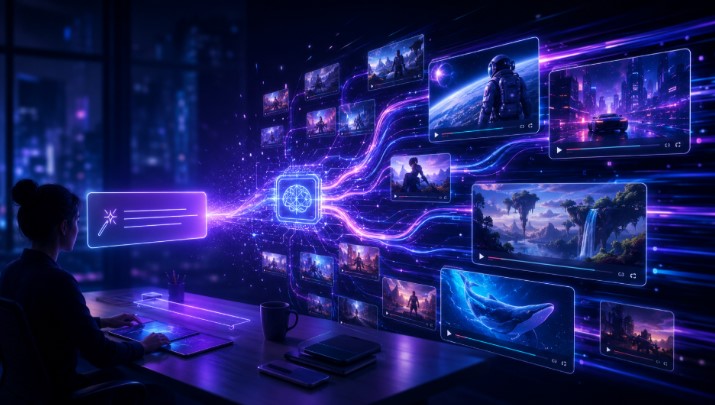
The demand for video content continues to grow, and brands need faster ways to produce visuals without sacrificing creativity. Text to video AI offers a practical solution by reducing production barriers and making video creation more accessible.
It allows users to move from idea to content in minutes. This speed is especially valuable in a digital environment where trends change quickly and brands need to stay visible.
AI video generation does not replace creativity. Instead, it gives creators a faster way to express their ideas. The better the concept and prompt, the better the result.
Start Turning Your Ideas into Videos
Text to video AI makes video creation easier, faster, and more flexible. Whether you want to create product videos, social media clips, campaign visuals, or creative storytelling content, AI can help you transform simple ideas into dynamic videos in minutes.
With tools like Oopsify, users can explore AI-powered video creation in a simple and visual way, turning images and concepts into cinematic content without complex editing.
If you have an idea, you no longer need to wait for a full production process. You can describe it, generate it, refine it, and share it.
That is the power of text to video AI.
Frequently Asked Questions About Text to Video AI
What is text to video AI?
Text to video AI is a technology that creates videos from written prompts. Instead of recording footage or editing clips manually, users describe the video they want, and the AI generates a visual result based on that description.
How does text to video AI work?
Text to video AI works by analyzing a written prompt and converting it into a video sequence. The AI interprets details such as the subject, setting, mood, style, lighting, and camera movement to create a video that matches the user’s idea.
Can I use text to video AI for marketing?
Yes. Text to video AI is especially useful for marketing because it helps brands create product videos, social media clips, promotional visuals, website content, and campaign assets faster than traditional video production methods.
Do I need editing experience to use text to video AI?
No. One of the main benefits of text to video AI is that it does not require advanced editing skills. Users only need to write a clear prompt or upload a reference image, depending on the tool they are using.
What makes a good text to video AI prompt?
A good prompt should be clear and specific. It should describe the main subject, background, style, mood, lighting, and camera movement. The more precise the prompt is, the easier it is for the AI to generate a useful result.
Can text to video AI create product videos?
Yes. Text to video AI can be used to create product videos from simple descriptions or reference images. This is useful for e-commerce brands, social media campaigns, product launches, and online advertising.
Is text to video AI useful for social media?
Yes. Text to video AI is very useful for social media because it allows creators and brands to generate short, engaging videos quickly. These videos can be adapted for platforms such as TikTok, Instagram Reels, YouTube Shorts, and Stories.
Why should businesses use text to video AI?
Businesses can use text to video AI to save time, reduce production costs, create more visual content, test different creative ideas, and improve their digital marketing strategy with engaging video assets.
← All posts