 Oopsify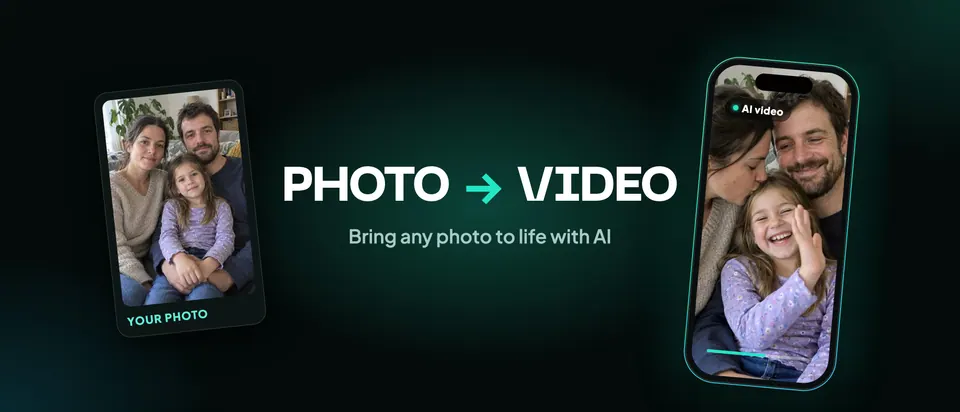

Oopsify – AI Video Generator
Bring any photo to life with AI

Turn your photos into videos that move
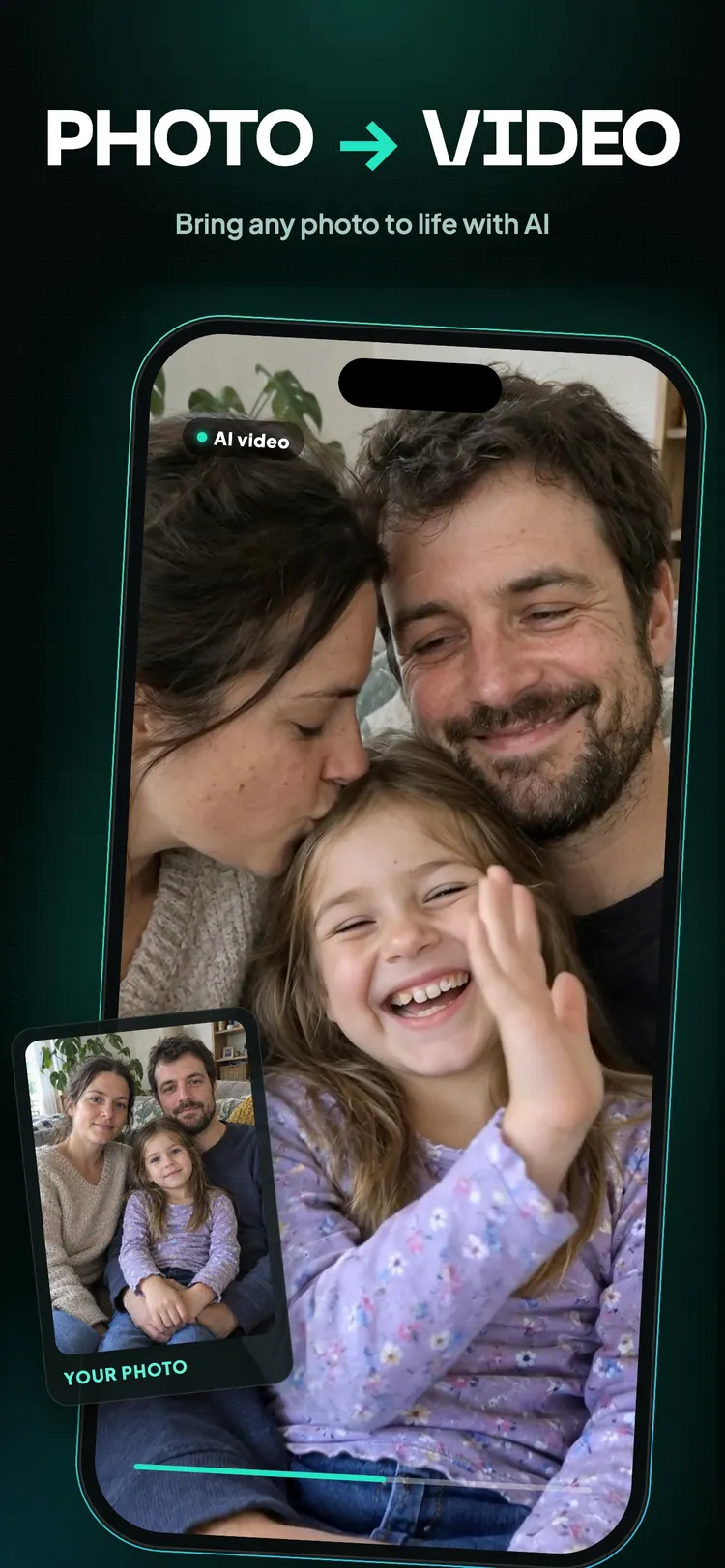
Upload a photo, pick an effect and Oopsify's AI animates it: people blink, smile, laugh and hug, the camera moves like in a film.
Why people love Oopsify
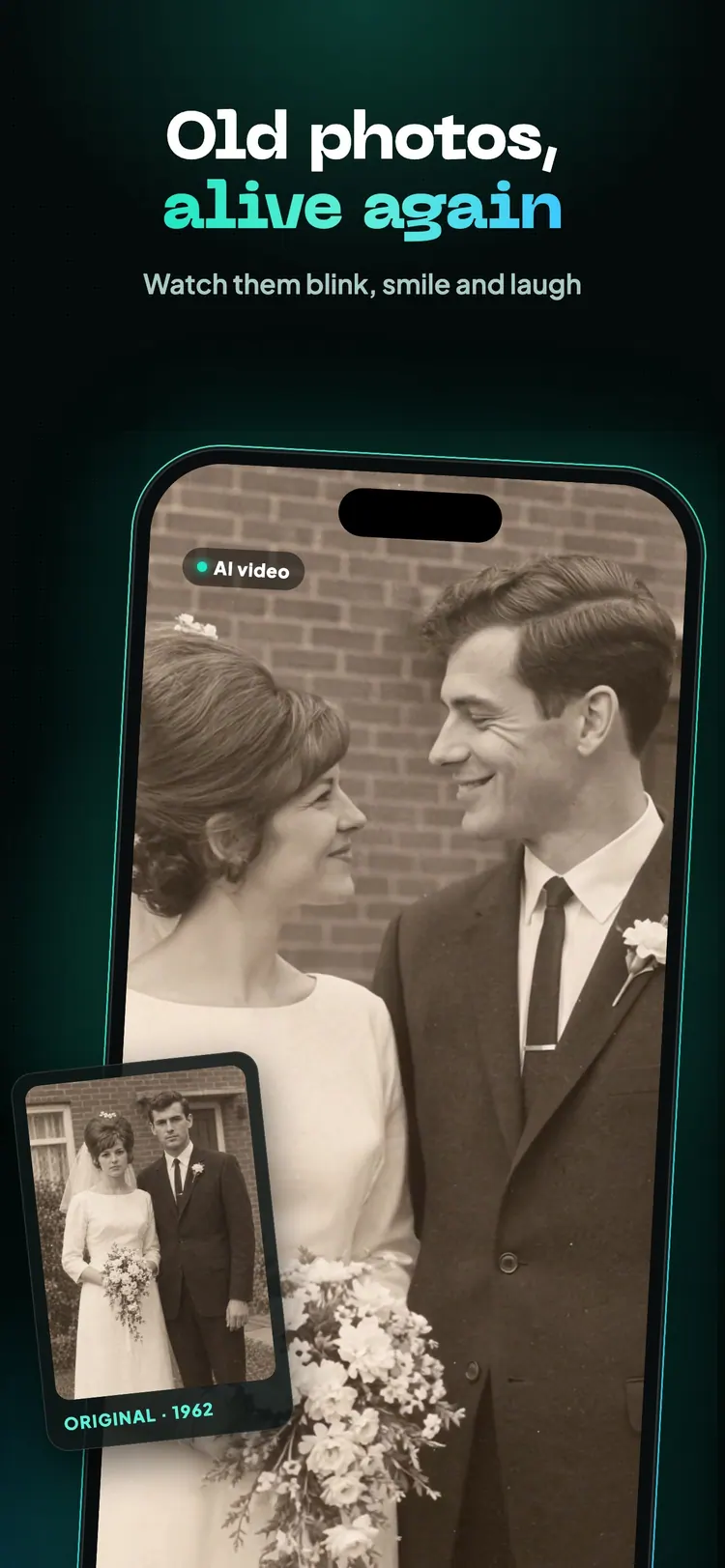
Old photos, alive again
Scan a print from the family album and watch your grandparents blink, smile and laugh.
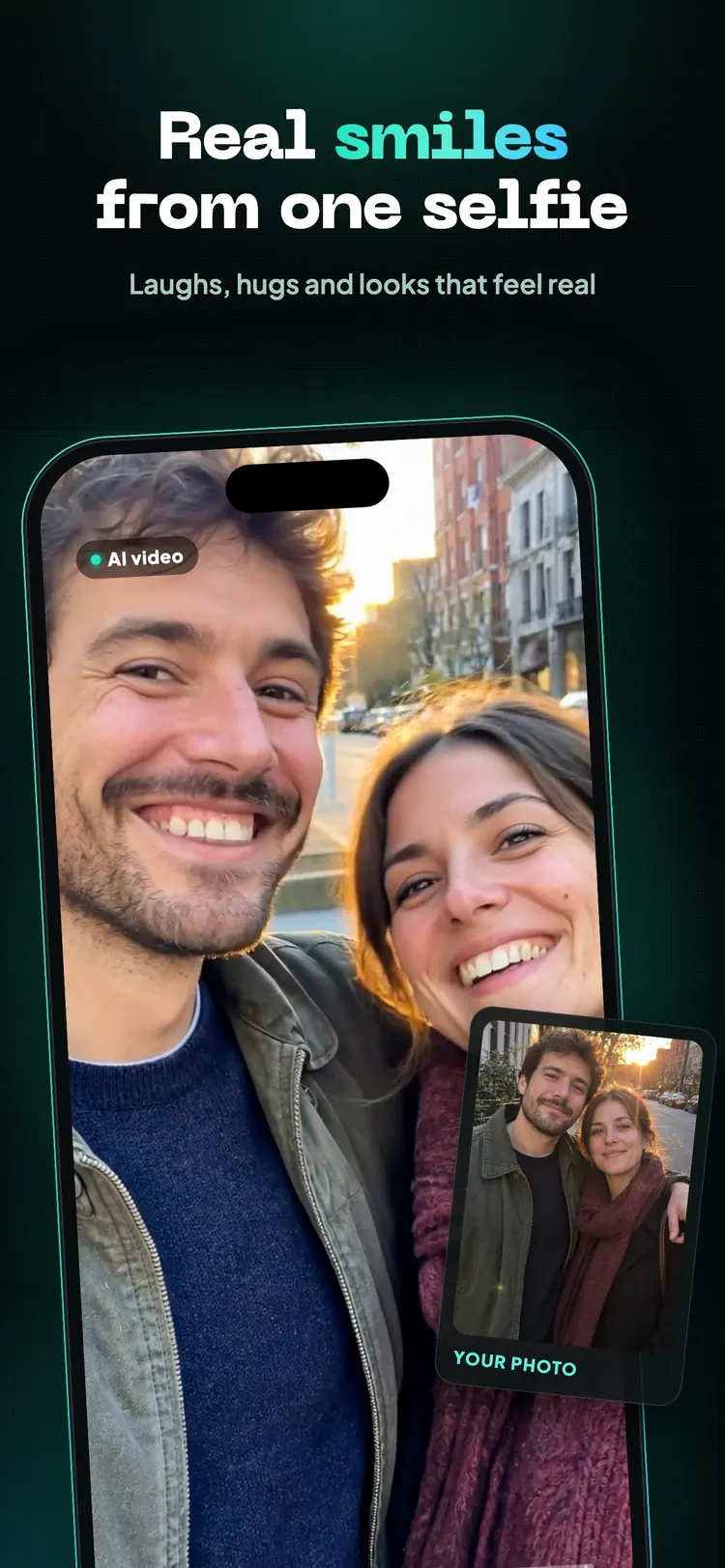
Real smiles from one selfie
Laughs, hugs and looks that feel real — made from a single photo of you and your people.
Effects for every mood
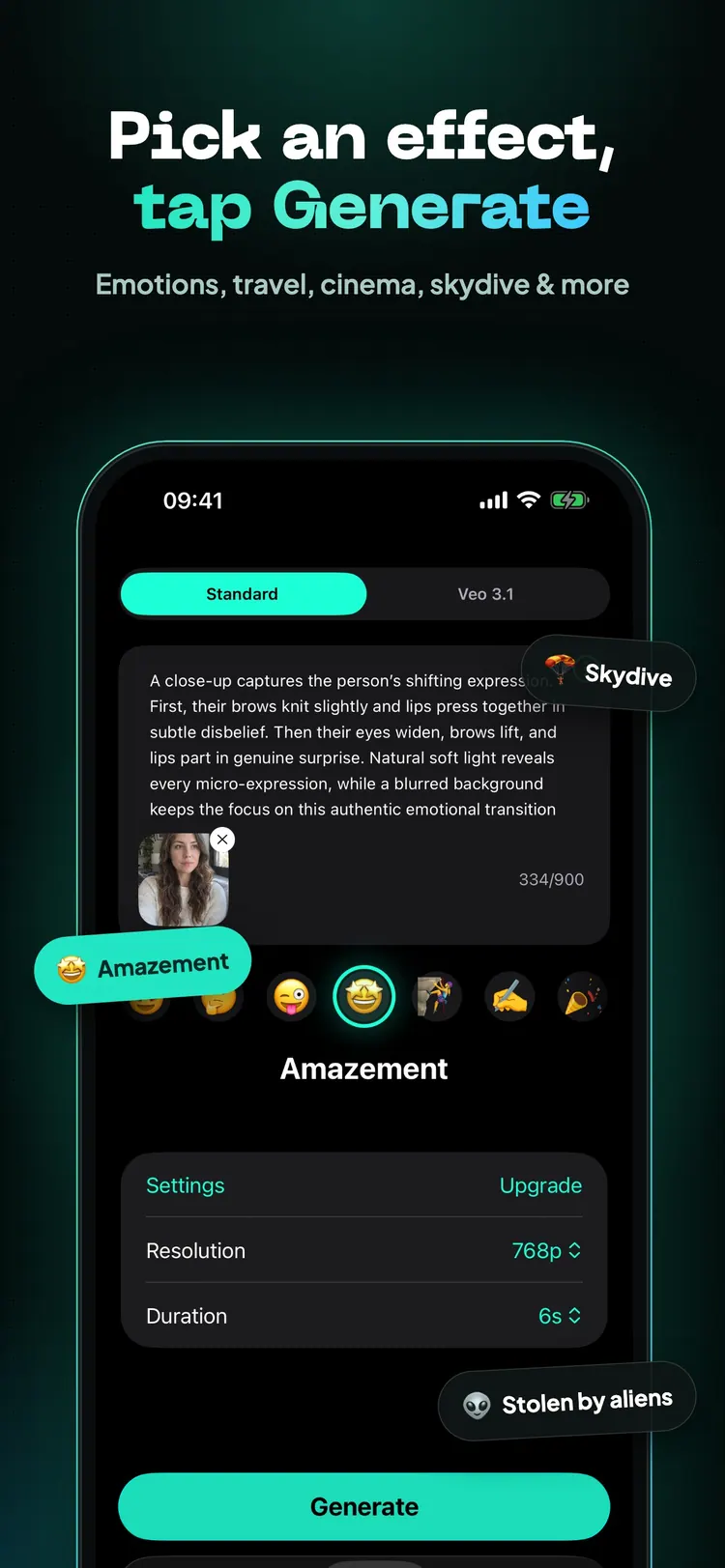
Emotions, travel, cinema, skydiving, a visit from aliens and many more — new effects keep coming.
Cinematic quality
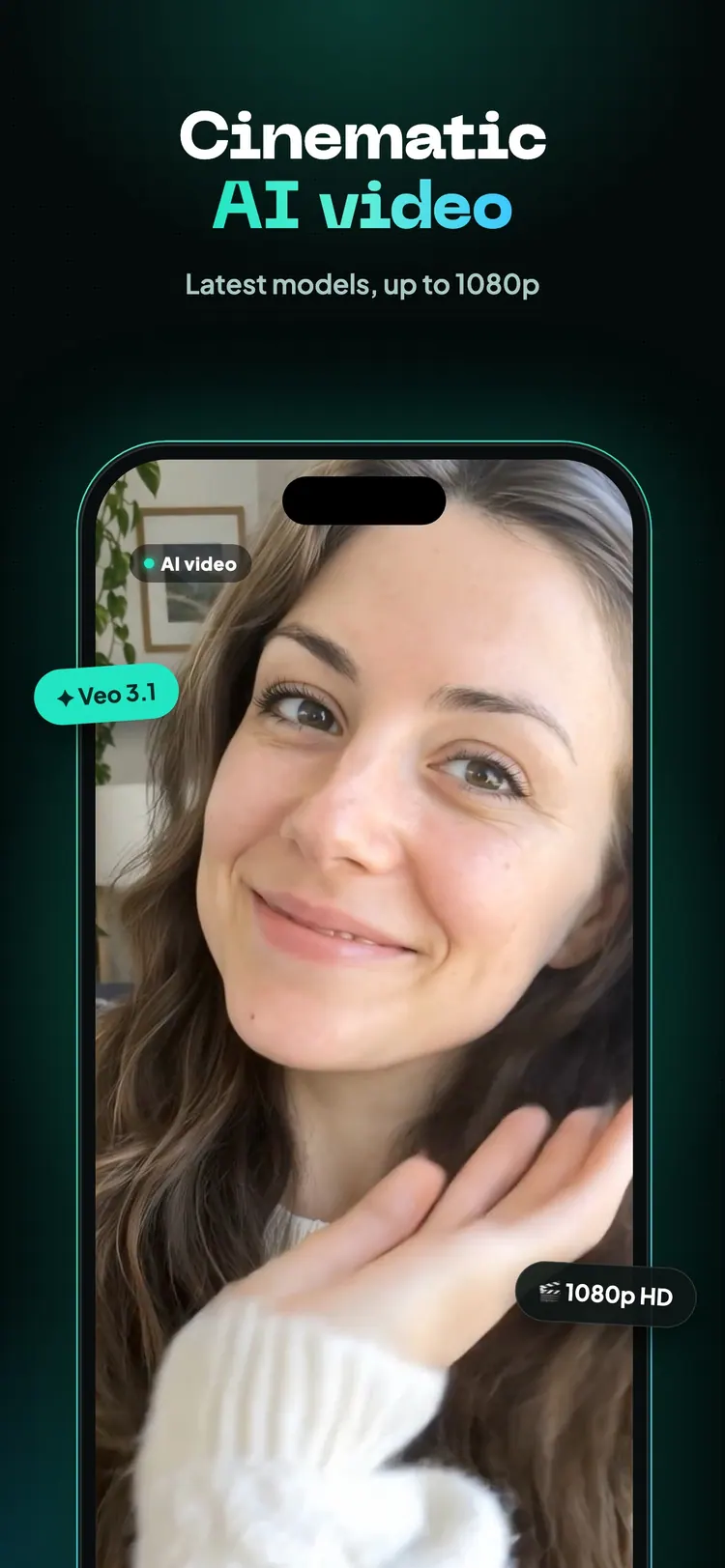
Latest video models with natural motion and camera moves, up to 1080p.
Your own prompts
Describe the scene in your own words when you want something no effect covers.
Save and share
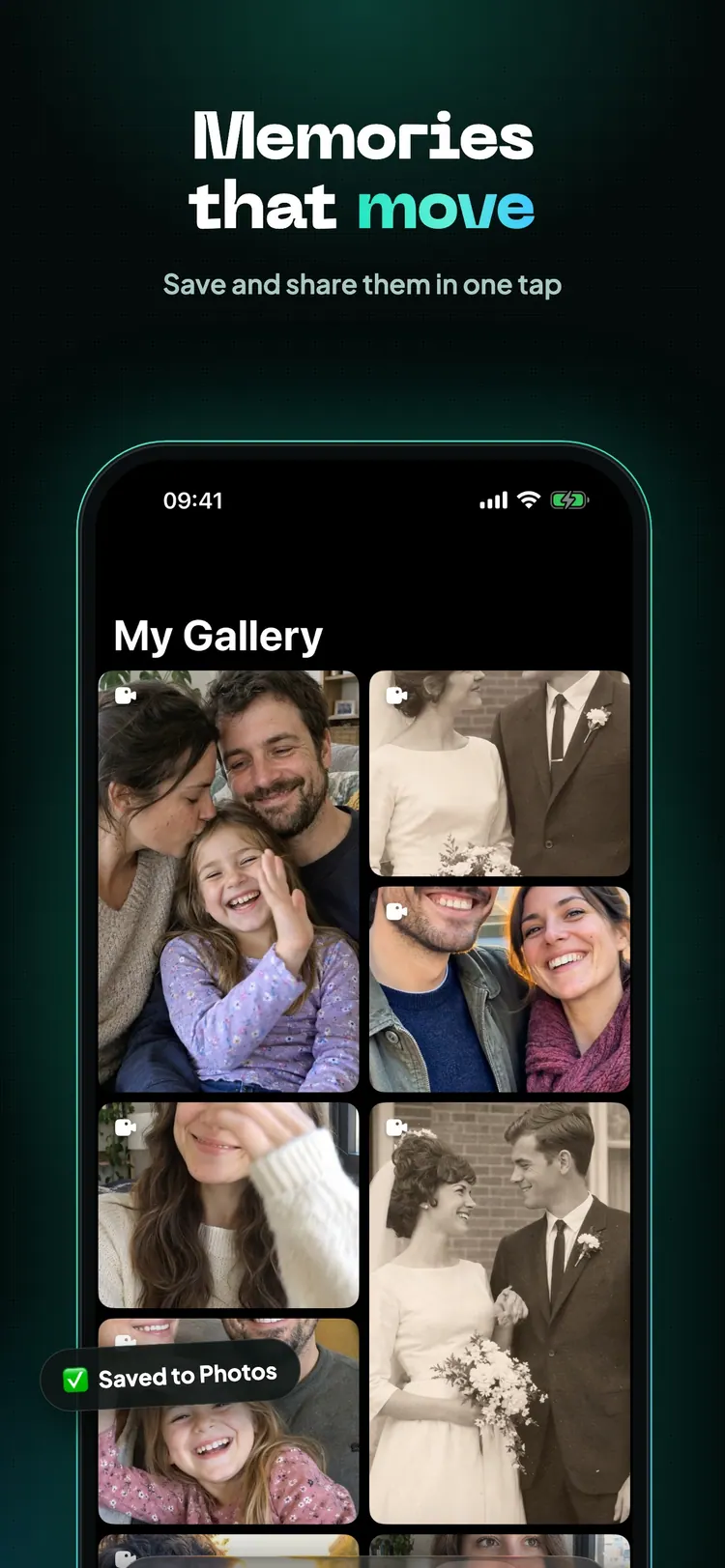
Keep every video in your gallery, save it to Photos or share it in one tap.
How it works
Pick a photo
A portrait, a selfie, a family picture or an old scanned print.
Choose an effect
Tap an effect or write a prompt, then tap Generate.
Get your video
Oopsify's AI turns the photo into a short video you can save and share.
Plans
Oopsify is free to download and includes a free video generation when you first install the app. Unlock unlimited creation, longer videos and higher quality with a plan.
Basic
Unlimited creation, simple and fast- Unlimited video & photo generation
- Up to 6 seconds duration
- 768p resolution
Extended
Create longer videos- Unlimited video & photo generation
- Up to 10 seconds duration
- 768p resolution
Cinematic
Best quality and performance- Unlimited video & photo generation
- Up to 10 seconds duration
- 1080p resolution
Subscriptions renew automatically; upgrade or cancel anytime in your App Store settings.
Questions
Is Oopsify free?
Oopsify is free to download and includes a free video generation when you first install the app. Unlimited creation, longer videos and 1080p come with the Basic, Extended and Cinematic plans.
Which devices does Oopsify run on?
Oopsify is an app for iPhone and iPad. Download it from the App Store.
What photos work best?
Clear photos where faces are visible: portraits, selfies, family pictures and old prints scanned with your phone.
How do I get help?
Write to support@oopsify.org or see the contact page.
From the blog
Photo to Video AI: How to Bring Static Images to Life with Motion and Sound
Discover how Photo to Video AI transforms static images into dynamic videos with motion, camera effects and sound for social media…
October 15, 2026AI Video Effects: How to Make Your Content More Cinematic and Engaging
Discover how AI video effects can make your content more cinematic, dynamic and engaging with smarter transitions, motion, lighting and…
September 22, 2026AI Talking Photos: Turn Any Portrait into a Speaking Video
Discover how AI Talking Photos transform static portraits into speaking videos with lip sync, facial movement and voice, and explore their…
Bring your photos to life
Free on the App Store for iPhone and iPad.